


NiuClaw Multi-Agent User Guide (Beginner Step-by-Step with Images)
Goal: Create multiple dedicated assistants (persona, skills, and IM can be separate).
Figure notes: Uses full images of the real main interface; if step-by-step photos of the creation pop-up are needed, see the to-be-added list at the end.
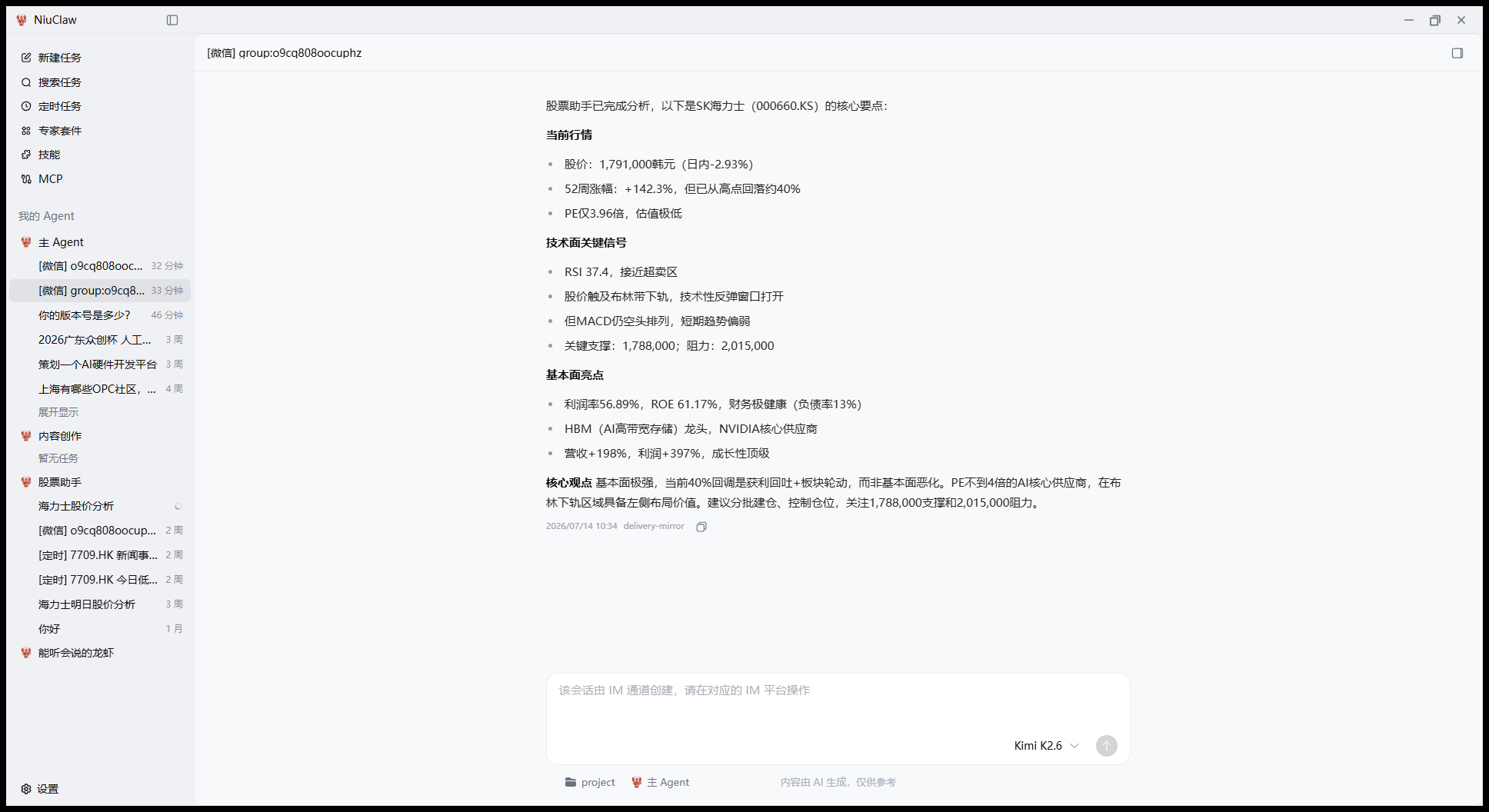
Step 1: Find “My Agent”
The title in the middle-left of the main interface is My Agent, below it lists Main Agent, Content Creation, Stock Assistant, etc.
Step 2: Click “+” to create new
In My Agent Next to the title, click +, to open the creation dialog.
(There is currently no separate legacy “Preset Card Wall” page; please use this entry.)
Step 3: Fill in and save
Suggested order:
- Name(Required)
- Optional:Use Template(Stock Assistant, Content Creation, etc.)
- Complete Identity / Personality / About You
- Skills Tab: check only the skills needed for this role
- IM Channel Tab: check the configured platforms (first see IM Guide)
- Select default model, working directory → Save
The Main Agent cannot be deleted.
Step 4 (Optional): Expert Kits
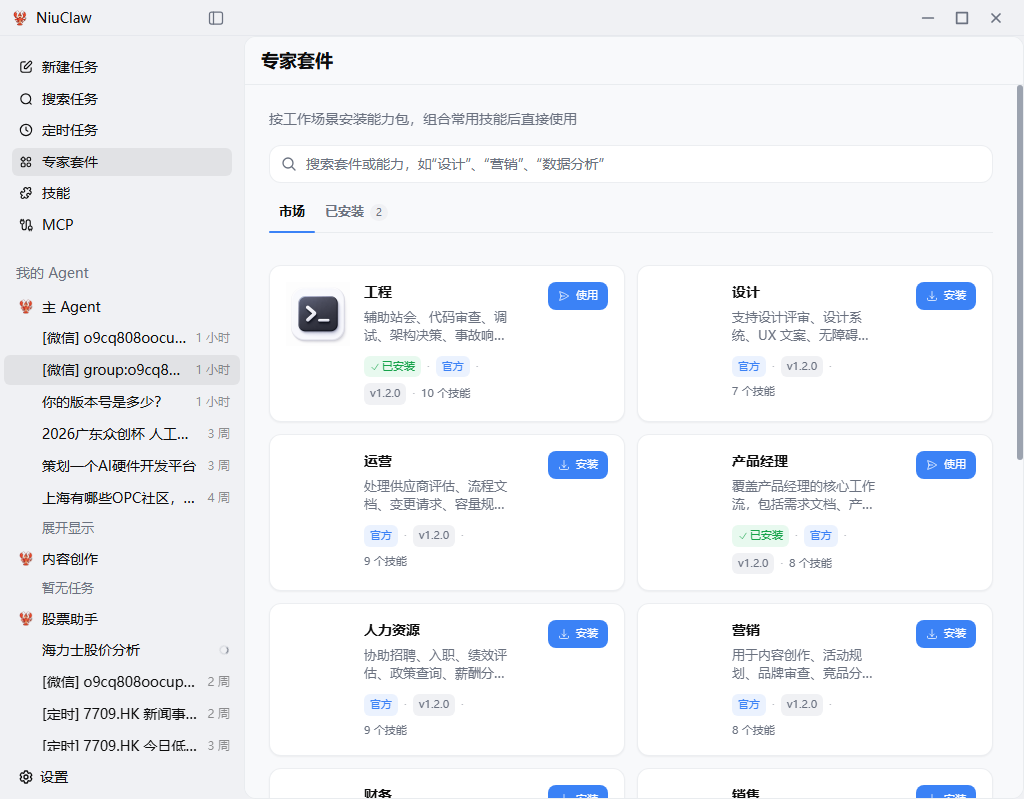
Sidebar Expert Kits You can install capability packs by scenario, complementing Multi-Agent skills.
Beginner Role Division Example
- Main Agent: Daily Chores
- Content Creation: Writing Skills
- Stock Assistant: Stock Skills + Can Bind WeChat
Please complete first Model Configuration。
Contact & Feedback
- Email:NiuClaw@binxinai.cn
- Community: https://www.bixinai.cn/NiuClaw/user_community/NiuClaw_user_community.html
- Manual: https://www.bixinai.cn/NiuClaw/user_guide/NiuClaw_user_manual.html