NiuClaw Model Configuration Guide (A Step-by-Step Guide for Beginners)
Goal: Connect models such as DeepSeek to NiuClaw so they can be selected in the chat box.
Cost: API fees are charged by the model provider; NiuClaw does not collect them on your behalf.
Chú thích hình ảnh: The screenshots below show the complete real settings interface (without overlaid error-prone red boxes). If your local interface differs slightly, follow the software interface.
Step 1: Open Settings
- Bring the NiuClaw window to the foreground
- Click the bottom-left corner of the main interface Cài đặt(biểu tượng bánh răng) ở góc dưới bên trái giao diện chính, hoặc nhấn Ctrl+,
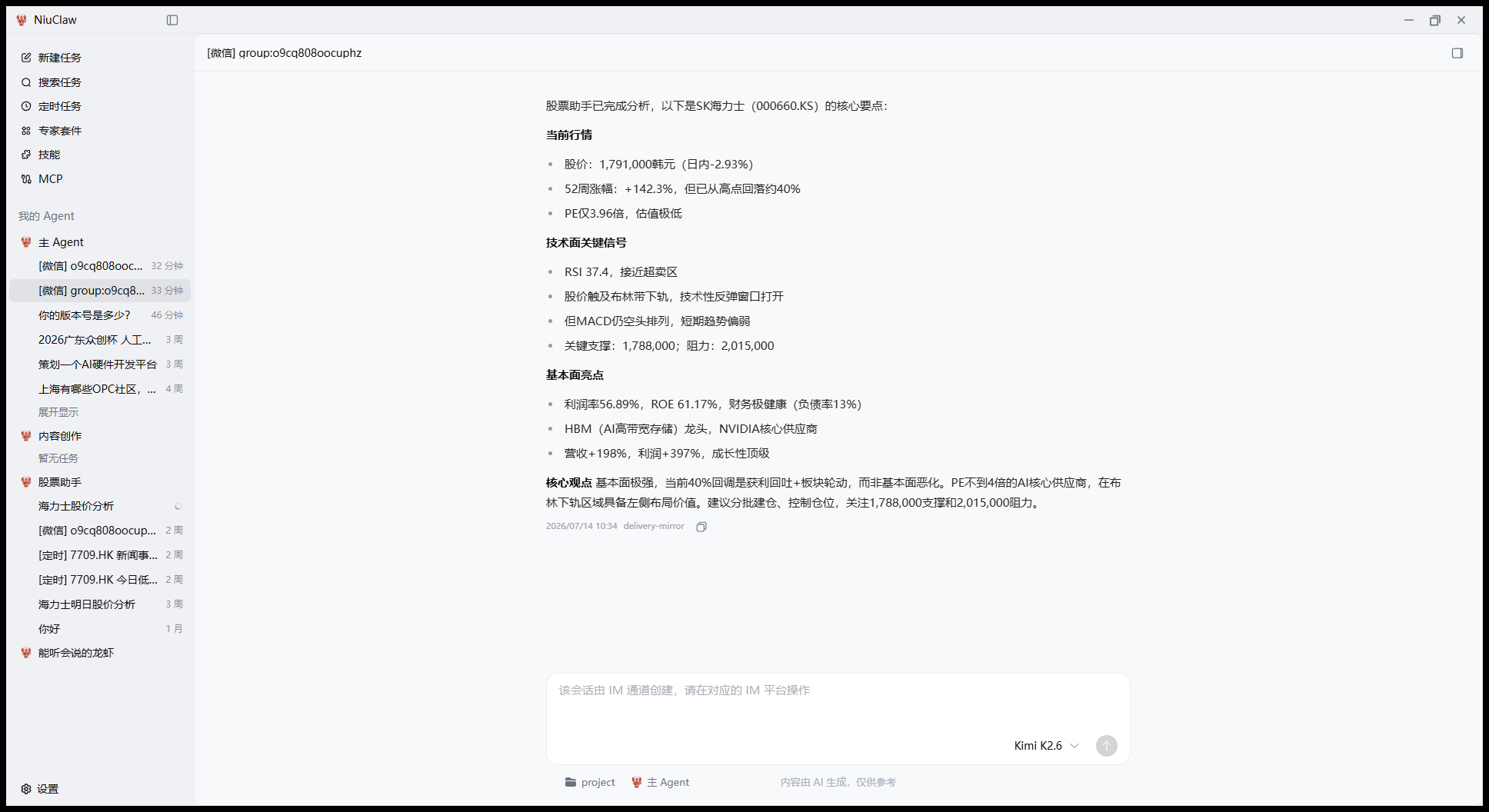
Step 2: Enter “Custom Models”
After Settings opens, click on the left Custom Models。
The provider list is in the middle, and the details for the current provider are on the right.
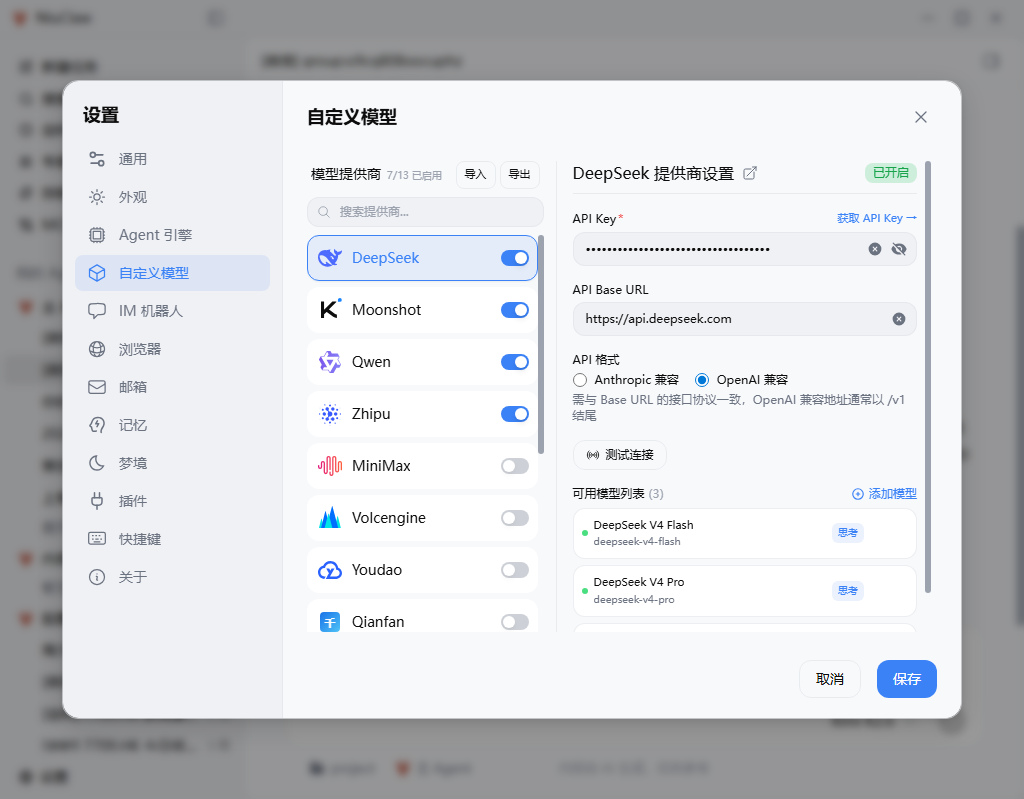
Step 3: Turn on the provider switch
- Find the provider in the middle list (recommended for beginners: DeepSeek)
- Turn on the switch (blue means on)
- Click the row once; the detailed form will appear on the right
Step 4: Enter the API Key
- If you do not have a Key: click on the right “Get API Key →” Register on the official website and copy it
- Paste it into API Key
- Verify API Base URL、Định dạng API(DeepSeek thường tương thích với OpenAI; hãy làm theo hướng dẫn trên trang)
Step 5: Test the connection
Nhấp Kiểm tra kết nối。Sau khi thành công mới tiếp tục; nếu thất bại, hãy kiểm tra Key, số dư, định dạng, mạng/proxy。
Bên dưới Danh sách mô hình khả dụng Có thể thêm hoặc xóa tên mô hình cụ thể。
Step 6: Save
Nhấp vào nút màu xanh Lưu。Nếu không lưu thì sẽ không có hiệu lực。
Step 7: Select a model in the main interface
Quay lại khu vực trò chuyện, chọn mô hình vừa cấu hình trong danh sách thả xuống mô hình bên cạnh ô nhập để bắt đầu trò chuyện。
Other Providers
Các bước tương tự, chỉ cần thay đổi nhà cung cấp và lấy Key từ trang web chính thức: Moonshot、Qwen、Zhipu、MiniMax、Volcengine等; có thể dùng Ollama ở cục bộ(cần dịch vụ trên máy đã được bật)。
Khả dụng Nhập / Xuất Di chuyển cấu hình nhà cung cấp。
Câu hỏi thường gặp
- Kiểm tra thất bại: Key / Base URL / Định dạng API / Số dư / Proxy
- Không có mô hình trong cuộc trò chuyện: Đã lưu chưa? Công tắc đã bật chưa?
Liên hệ và phản hồi
- Email:NiuClaw@binxinai.cn
- Cộng đồng:https://www.bixinai.cn/NiuClaw/user_community/NiuClaw_user_community.html
- Sổ tay:https://www.bixinai.cn/NiuClaw/user_guide/NiuClaw_user_manual.html